
The Holtrow app, for Android.
Every mode of the Pulse neckband, in your pocket. Pick a mode, set the time, press start — the band does the rest.
Download for AndroidNot on Google Play yet — what that means for you.

Not on Google Play yet.
We're finishing the Play Store listing. Until it's live, the app comes straight from us — so your phone will ask you to allow installs from your browser, and may warn that it's from an unknown source. That's Android's standard notice for anything outside the Play Store, not a problem with the app.
It's the same app we're submitting to Google, signed by Holtrow. It never asks for an account and nothing leaves your phone.
- 1
Download
Tap the button. If Chrome says this type of file can harm your device, choose Download anyway — it says that for every app outside the store.
- 2
Allow
Open the file. Android asks you to allow installs from Chrome — tap Settings, switch it on, and go back.
- 3
Install
Tap Install, then Open. Pair your Pulse once and you're done. When the Play listing goes live, updates arrive from there.
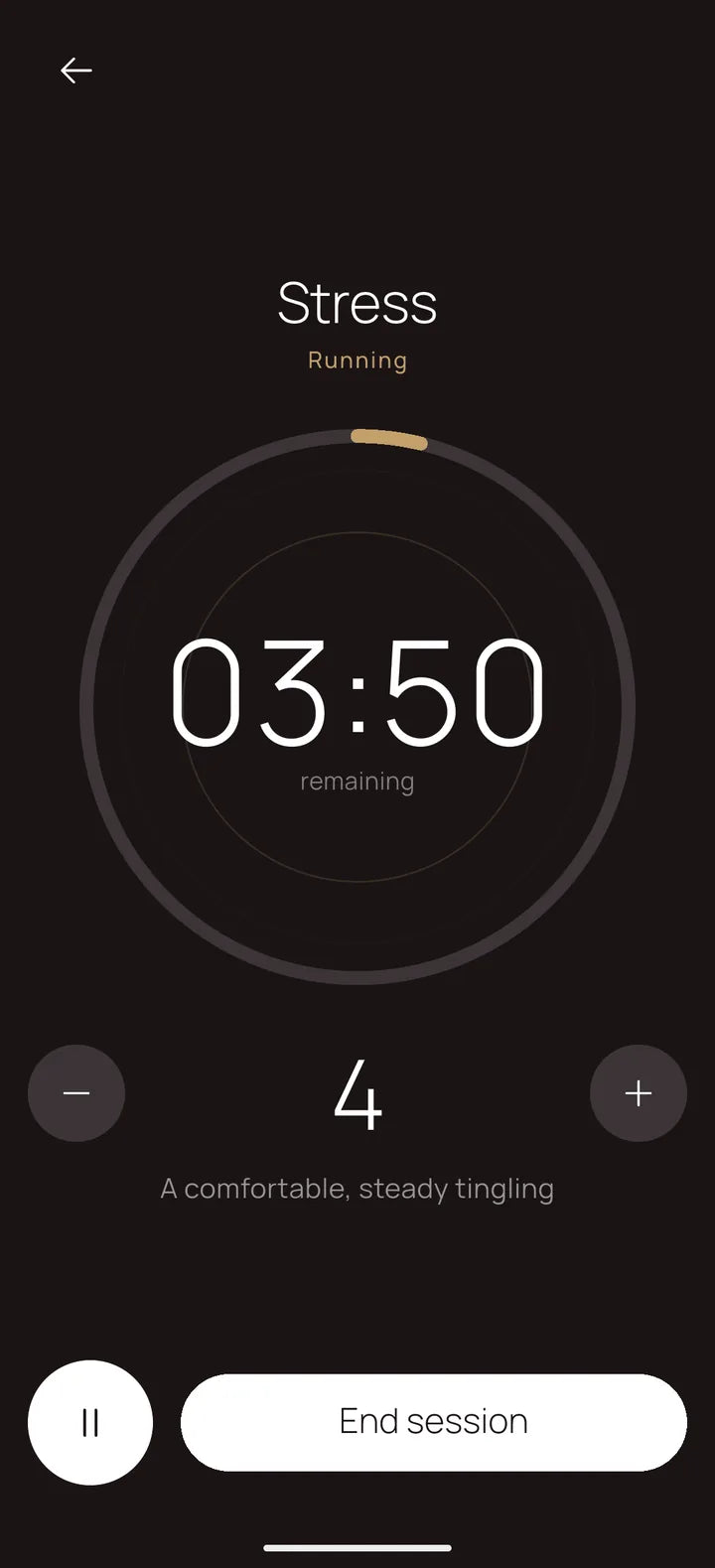
Start it, then forget about it.
A calm countdown while the band does the work. Leave the app, lock the phone — the band keeps the time, and the app catches up the moment you come back.
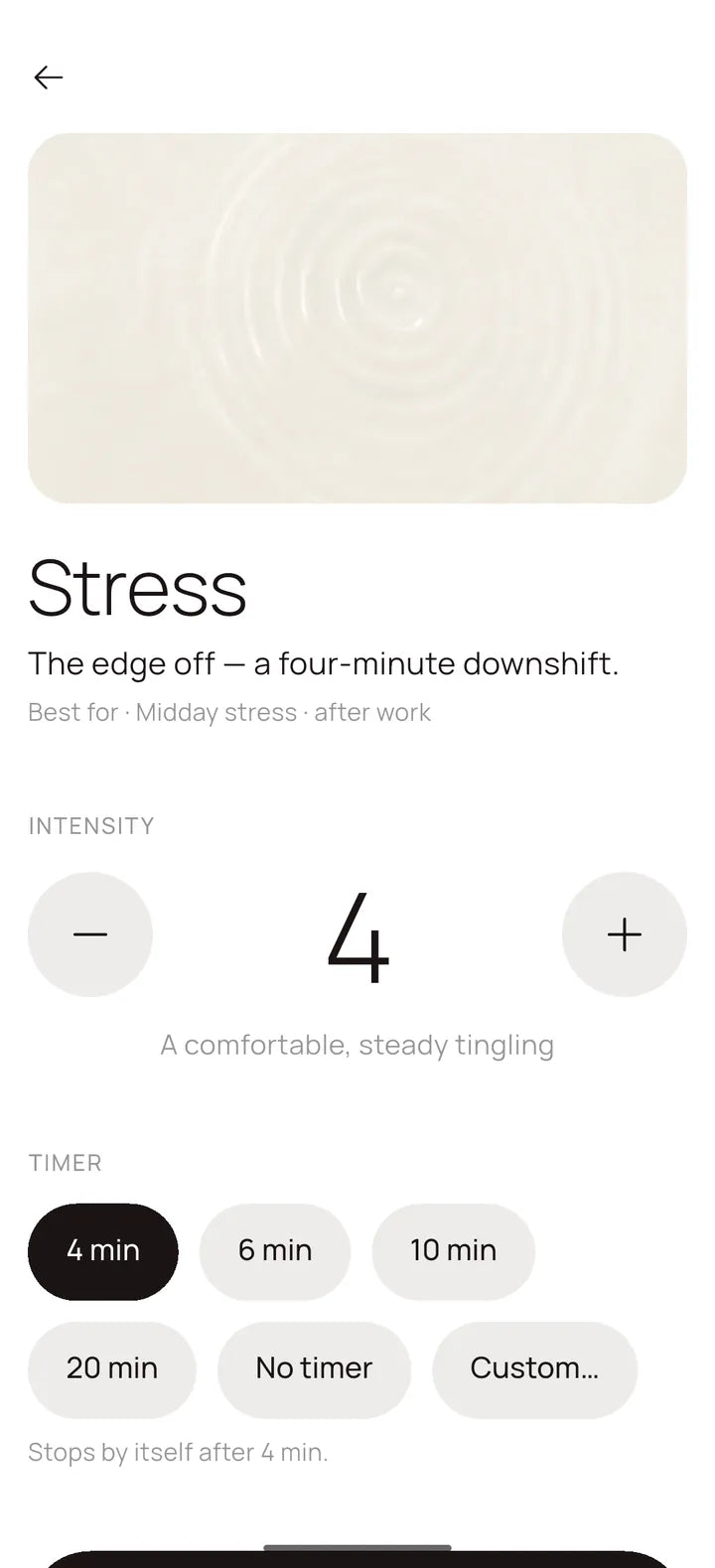
Your intensity. Your timer.
Nine levels and a timer for every mode — and it remembers what you chose.
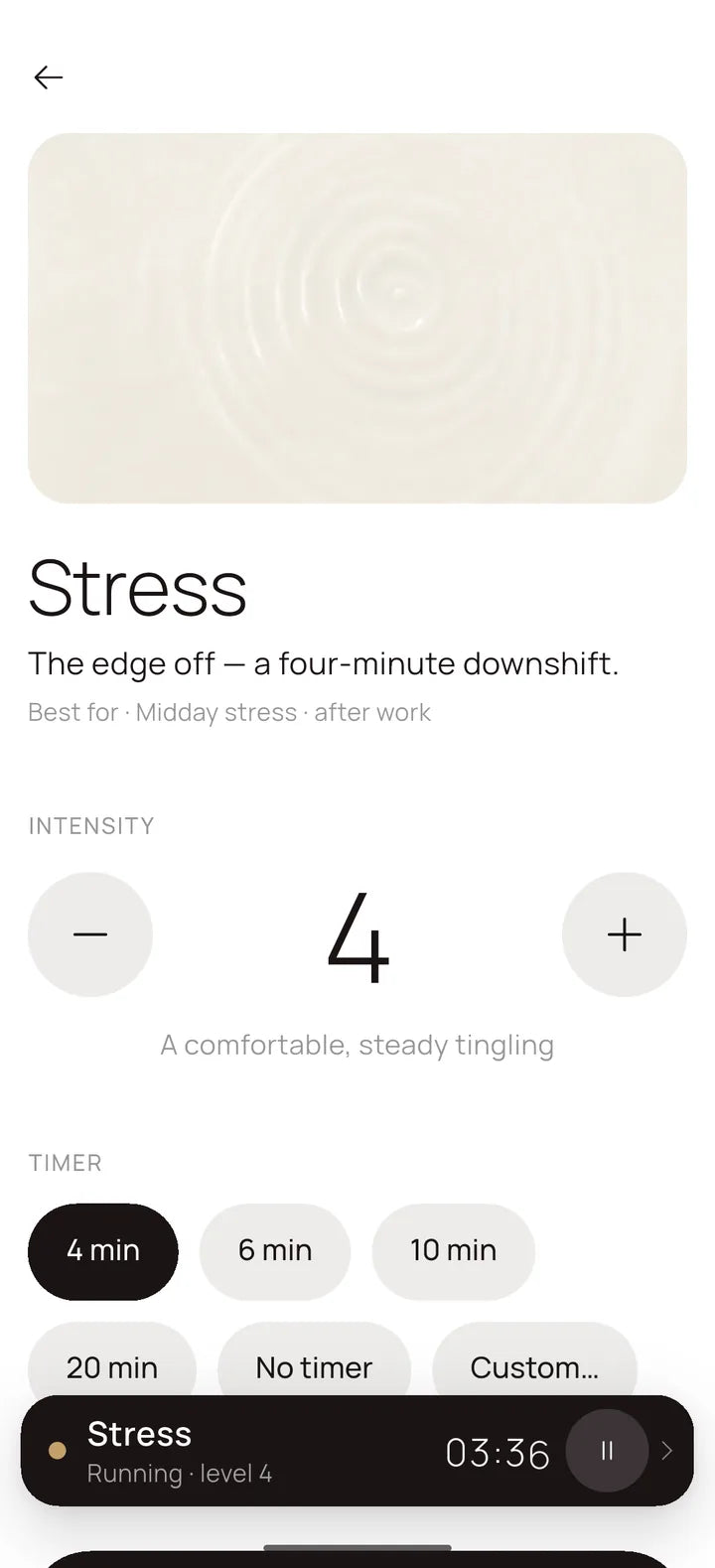
Leave. Come back. Still running.
Browse the other modes while a session runs — it stays docked at the bottom.
See what you actually did.
Every session, kept on your phone. Nothing is uploaded anywhere.

Good to know
Do I need the app to use Pulse?
No. The included remote and the button on the band already cover every mode and intensity. The app adds a countdown you can see, a timer you can set to the minute, and a history of what you've done.
Which phones does it work on?
Android 8 or newer with Bluetooth — that's almost any phone from 2018 onward. Pairing happens inside the app; you don't need to pair in your phone's Bluetooth settings first.
Is it safe to install from here?
Yes. The file is signed by Holtrow and is the same build headed for Google Play. There's no account, no ads, no analytics and no server — the app talks to the band over Bluetooth and to nothing else. Full details are in the app privacy policy.SHA-256 · 3a75ff9cd017b3175147be1f477c6fee0151876de2ece7c9762f245f2591239b
How do I get updates?
Until the Play listing is live, come back here — the version number under the button is always the latest. Once it's on Google Play, Play takes over and updates arrive on their own.
What about iPhone?
The iPhone app is on its way to the App Store. We'll add the link here the day it's live.
Every mode, in your pocket.
Download for AndroidHoltrow Pulse is a wellness device, not a medical treatment. It is not intended to diagnose, treat, cure or prevent any condition. Read the safety guidance before your first session.